
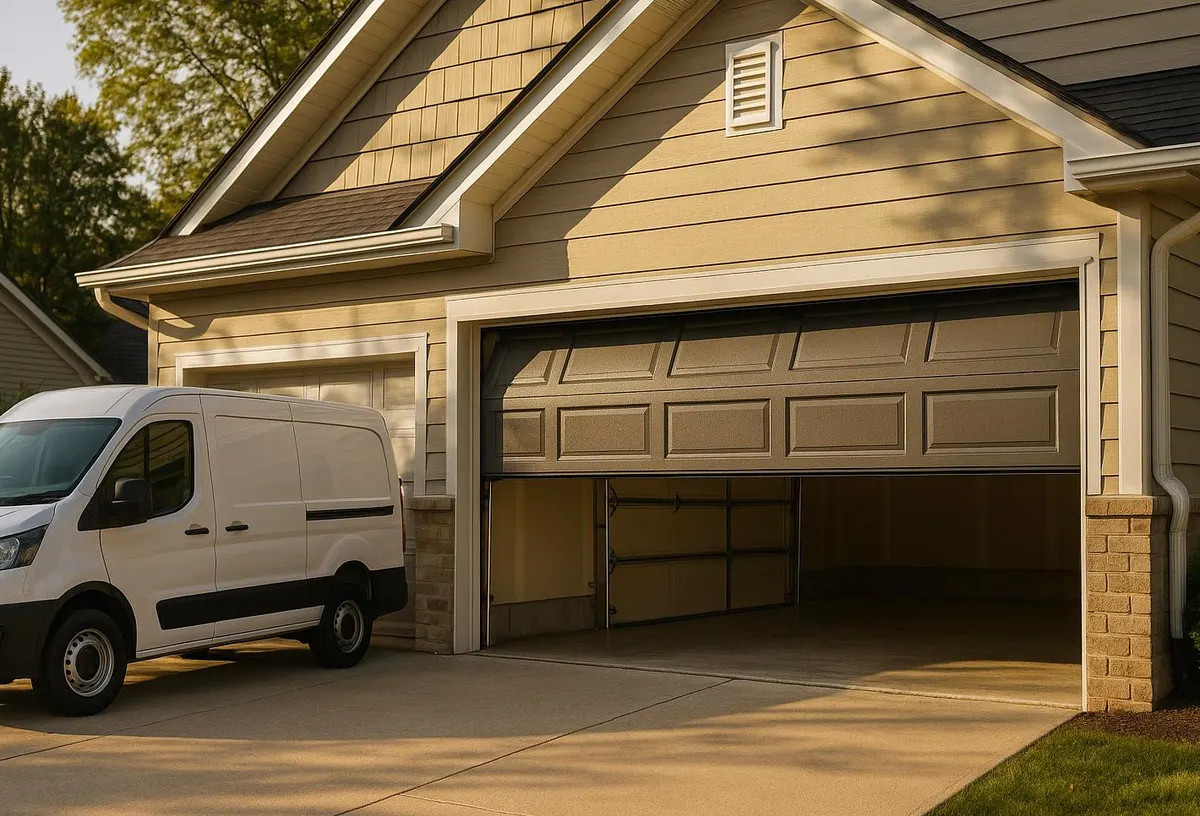
What a Technician Sees on This Call
A typical service call about remotes or keypads in Marion County starts one of two ways. Either the keypad buttons have gone stiff and unresponsive after a summer of humidity swelling the rubber pad, or a homeowner lost a remote and wants every old code wiped before they feel comfortable leaving the house again. Both are common here. The heat and moisture that build up inside a garage over hurricane season corrode battery contacts and keypad wiring faster than in drier climates, and that corrosion is usually the real reason a code "stops working" months before anyone loses a clicker.
The good news is that most remote and keypad work is homeowner-friendly. You don't need a technician to add a new remote or change a code. You do need one when the opener's logic board, antenna, or wiring is the actual problem — and knowing the difference saves you a service call.
Tools You'll Need
- Your garage door opener's manual, or the model number printed on the motor unit (usually on a sticker on the side or bottom)
- A step stool or ladder tall enough to reach the opener safely
- A small Phillips screwdriver (for keypad battery covers)
- Fresh batteries for any remotes or keypads you're reprogramming
- A pen and paper to track which remotes are active
Step-by-Step: Reprogramming a Garage Door Remote
- Locate the "Learn" or "Program" button on the opener motor unit. It's usually small, colored, and near the antenna wire.
- Press and release the Learn button. An indicator light will blink, giving you a short window (often 30 seconds) to complete the next step.
- Within that window, press and hold the button on the remote you want to program until the opener's light blinks or you hear a click.
- Test the remote from a few feet away, then from your driveway, to confirm range.
- Repeat for each additional remote, one at a time.
If the opener doesn't respond at all during this process, check the antenna wire hanging from the motor unit — it's often knocked loose or chewed by pests in garages that stay open during hot afternoons for airflow.
Step-by-Step: Changing Your Keypad Code
- Open the battery cover on the keypad and confirm the batteries are fresh. Weak batteries are the most common cause of a keypad that seems to "forget" its code.
- Find the Learn button on the opener motor unit, same as above.
- Press and release it so the indicator light starts blinking.
- On the keypad, enter your new 4-digit (or longer, depending on model) code, then press Enter or the large button, depending on your brand.
- Test the new code at the keypad before closing up the garage for the night.
- Write the new code down somewhere other than your phone, in case you need to walk a house-sitter or contractor through it.
A Local Note on Keypads
If your keypad is mounted on an exterior wall exposed to direct sun and rain, check the gasket seal behind it once a year. Afternoon downpours during storm season push moisture behind poorly sealed keypads, and that's what causes the internal corrosion that eventually kills the unit — not age.
Lost or Stolen Remote: What to Do Immediately
- Clear all codes from the opener. Most openers have a "Clear All" or "Erase" function — hold the Learn button for 6-10 seconds until the indicator light turns off, which wipes every programmed remote and keypad code at once.
- Reprogram each remaining remote and keypad using the steps above. This is the only way to guarantee the lost remote no longer opens your door.
- Change your keypad code even if the lost item was a remote, not a keypad, especially if the two were kept together (like on a keyring).
- Check your vehicle if the remote was a built-in garage door button — some systems store the code in the car itself, which means clearing the opener alone isn't enough.
Do this the same day you notice the remote is missing. A stolen remote paired with a known address (easy to find if it was lost with mail or an ID) is one of the more avoidable security gaps in a home.
Where This Becomes a Technician's Job
Call a professional instead of troubleshooting further if:
- The opener won't enter programming mode at all, even with fresh batteries in the remote and a confirmed working outlet
- You've cleared and reprogrammed codes but the door still responds to an old remote (this points to a logic board issue, not a code issue)
- The keypad has visible corrosion, cracked housing, or water intrusion from storm exposure
- You're dealing with an older opener that predates rolling-code technology and needs an upgrade for better security
When to Call Ocala Garage Door Repair
If you've gone through the steps above and your opener still won't accept new codes, or you suspect storm moisture has gotten into the keypad or motor unit, it's time for a technician. Our team handles Garage Door Opener Repair & Installation for openers that have stopped responding to programming entirely, and we offer Garage Door Maintenance & Tune-Up visits that include checking keypad seals, battery contacts, and antenna connections before they fail during a storm — not after.
If your remotes, keypad, or opener need attention before the next round of Florida storms rolls through, call Ocala Garage Door Repair today and we'll get it sorted quickly and honestly.